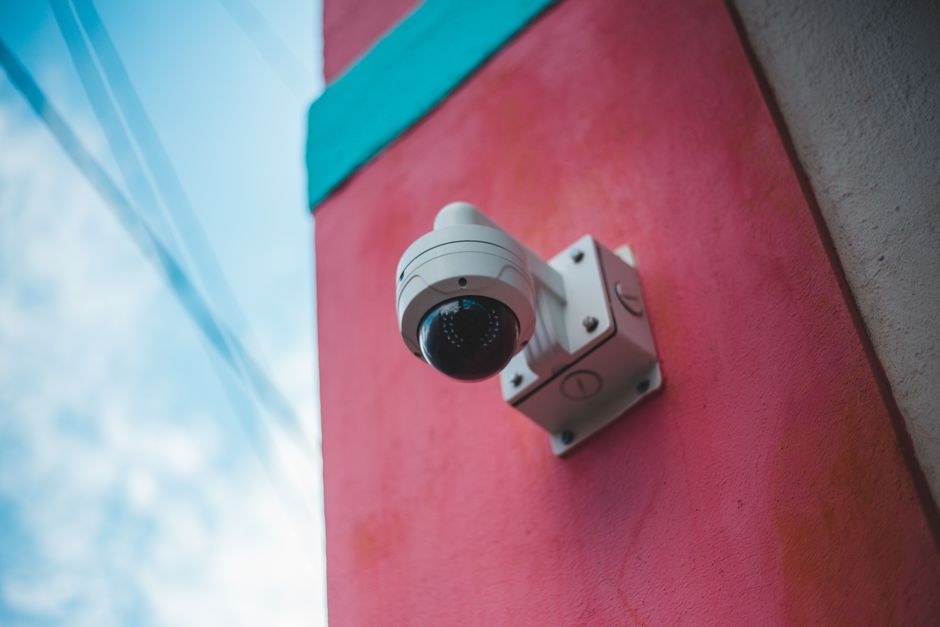
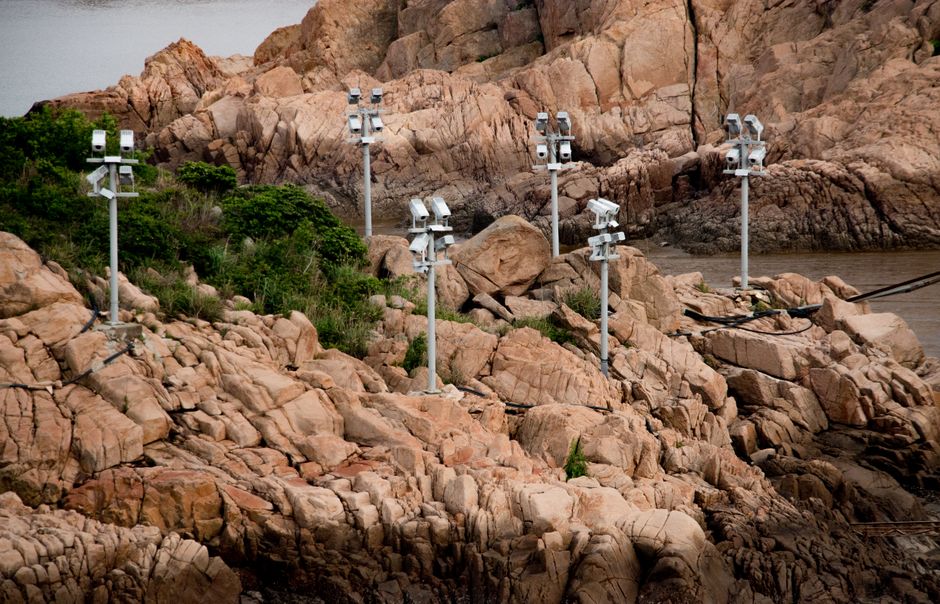
Choosing a live camera feels like a shopping problem, but it is really a site problem. The place where the camera goes has already decided most of the answer: whether a cable can reach it, how much data can leave it, how far away the view is and how hard the weather hits. Once you know those things, the list of sensible cameras gets short very quickly.
This guide walks you through the decision one question at a time. The diagram below is the whole idea on one page. The sections after it explain each branch, with the numbers that matter.
Step 1: Power decides the camera family
Start by walking to the exact spot where the camera will hang and asking: what is the nearest outlet, and how far is the nearest network switch? The answer splits cameras into two families.
If you have power, the best choice for a live camera is nearly always a PoE (Power over Ethernet) camera. One outdoor-rated Ethernet cable carries both power and data up to 100 meters (328 ft) from the switch or injector, as the IEEE 802.3 standards define. PoE cameras are always on, they do not overheat a battery, and they are built to stream continuously. Most fixed cameras use only a few watts, well inside the 802.3af budget of 12.95 W at the camera. PTZ cameras with heaters may need 802.3at (PoE+) or 802.3bt.
If you have no power, everything changes. You either bring power to the site (often the cheapest choice over the life of the camera) or build a solar system. Here is the trap many buyers fall into: cameras sold as “4G solar” usually run on a small built-in battery and a few-watt panel. They sleep most of the time and wake on motion. They are good at sending clips to your phone, but they are not designed to stream live to the public all day. A 24/7 camera on solar needs a proper panel, battery and charge controller, sized with real sunlight data. Our solar sizing guide does this step by step.
Step 2: Internet decides the quality you can afford
A live camera is an upload machine. Your home connection may download fast but upload slowly, and a public stream lives on upload. Every 1 Mbps of continuous upload is about 324 GB of data a month (1 Mbps × 86,400 seconds × 30 days ÷ 8 bits per byte).
| Stream | Typical bitrate | Data per month (24/7) | Fits on |
|---|---|---|---|
| 720p, calm scene, H.265 | 1.5 Mbps | about 490 GB | Fiber, cable, good 5G home plans |
| 1080p, H.264 | 4 Mbps | about 1.3 TB | Fiber or cable with unlimited data |
| 1080p, YouTube’s recommended top rate | up to 14 Mbps (H.264) | about 4.5 TB | Fiber |
| 4K, H.264 | 20 Mbps or more | 6.5 TB or more | Fiber only |
YouTube’s own encoder guide lists 5 to 14 Mbps for 1080p at 30 frames per second with H.264, and 4 to 10 Mbps with HEVC or AV1. In practice, a landscape view with little motion looks good near the low end. Waves, snow and crowds need more.
The lesson: if your only internet is cellular, plan a lower resolution, a lower frame rate (15 fps is fine for most views) or a snapshot camera that sends one image every few minutes. If you can reach fiber or a cable line, you can stream real HD all day. For remote sites, compare 4G/5G, point-to-point Wi-Fi and Starlink, and use the bitrate and data calculator.
Step 3: Distance decides the lens
The lens decides how wide the scene is and how much detail you get in it. A wide lens (around 90 to 110 degrees horizontally) is perfect for a beach, a pool deck or a town square seen from close by. It is hopeless for a ski slope 2 km away.
A quick rule: the width of the scene at a given distance is about 2 × distance × tan(half the angle of view). A 90-degree lens shows a 20 m wide strip at 10 m away and a 200 m wide strip at 100 m. Spread 1,920 pixels (1080p) across 200 m and you get fewer than 10 pixels per meter: a person is a dot. That is often what you want for privacy, but it is not what you want if the subject is a distant harbor or a volcano.
- Subject under about 30 m away: a fixed wide lens is ideal. Simple, sharp and cheap.
- 30 to 150 m: a varifocal (motorized zoom) lens lets you frame the view exactly on installation day. A 4K sensor gives extra detail across a wide scene.
- Over 150 m, or several views: optical zoom, or a PTZ (pan-tilt-zoom) camera that tours between presets. See PTZ cameras.
The where to mount guide has a full field-of-view table by distance and resolution.
Step 4: Light, day and night
Public webcams are mostly watched in daylight, but people also tune in at sunset, at night and during storms. Three things matter.
- Sensor size and low-light ability. Larger sensors (1/2.8 inch and bigger) and bright lenses (low f-numbers such as F1.6) keep color longer at dusk. Makers give a minimum illumination in lux. Lower is better, but compare only figures measured the same way.
- Infrared. Most security cameras switch to black-and-white with infrared LEDs at night. Infrared reaches 20 to 30 m and lights up rain and insects near the lens. For a scenic view across a bay, infrared is mostly useless, so many webcam owners turn it off.
- Sun in the frame. A camera that faces the sun at sunrise or sunset will flare. Wide dynamic range (WDR) helps, but placement helps more. Point a camera roughly away from the equator (north in the Northern Hemisphere) when you can.
Step 5: Weather and the environment
An outdoor live camera needs an ingress protection rating of at least IP66 for exposed spots. IP66 means dust-tight and protected against powerful water jets under IEC 60529. IP67 adds a short immersion test, which is a different test, not a “better IP66”. Coastal sites add salt corrosion, so look for stainless hardware and a NEMA 4X or similar corrosion rating. Cold mountain sites need a camera rated for the lowest temperature you expect, often with a heater. Our weatherproofing guide explains IP and IK codes in detail.
Step 6: Streaming features
To put a camera on YouTube, on your website or on LiveLocation, the camera needs to hand its video to something else. Look for these on the spec sheet:
- RTSP — the standard way a camera offers its live stream to an encoder, recorder or restreaming service. Nearly all IP cameras have it. See RTSP explained.
- H.264 and H.265 (HEVC) — H.265 needs less bitrate for similar quality; YouTube’s own table asks for about 30 percent less at 1080p. Check that your streaming route accepts it.
- ONVIF — an industry profile that helps cameras work with recorders and software from other brands.
- RTMP push — some cameras can push straight to YouTube or another platform. Others need a small encoder computer or a cloud restream service in between. See RTMP explained.
The camera types side by side
| Type | Power | 24/7 live? | Strengths | Watch out for |
|---|---|---|---|---|
| Fixed PoE camera (bullet, box, dome) | PoE, 3 to 13 W typical | Yes | Reliable, cheap to run, sharp | Needs a cable run |
| PTZ camera | PoE+ or 802.3bt, or 24 V AC | Yes | Many views, long zoom | Moving parts, more power, higher cost |
| 4G/LTE battery-solar camera | Small panel plus internal battery | Rarely | Installs anywhere in minutes | Sleeps between events; data caps |
| Wi-Fi consumer camera | Plug-in adapter | Sometimes | Easy app setup | Weak signal outdoors; often cloud-locked, no RTSP |
| USB webcam plus computer | USB | Yes, indoors | Cheap for window views | Not weatherproof; the computer is a failure point |
For deeper comparisons, see types of live cameras, Wi-Fi vs wired and solar cameras.
Cameras that fit the main branches
These examples show what each branch of the tree looks like in real products. The specs are the makers’ own figures from their product pages. Prices were checked 2026-10-07 on the maker’s store and change often.
Reolink RLC-811A
- 4K 8MP at 25 fps, 5x optical zoom
- 105° to 31° horizontal view
- PoE 802.3af, IP67; $97.99 at Reolink, checked 2026-10-07
Reolink TrackMix PoE
- 4K 8MP dual lens, 6x hybrid zoom
- Pan and tilt with auto-tracking
- PoE 802.3af, IP65; $139.99 at Reolink, checked 2026-10-07
Reolink Go PT Ultra
- 4K 8MP, 4G LTE
- 355° pan, 140° tilt
- 21.6 Wh battery, solar panel option, IP64; $159.99 at Reolink, checked 2026-10-07
Notice the IP ratings: IP65 and IP64 are fine under an eave or on a sheltered wall, but exposed coastal or mountain spots deserve IP66 or IP67. Also note that the battery camera’s maker describes battery life as varying with settings and use. That is the honest way to read every battery camera: it is built for events, not for an all-day public stream.
Features that matter less than you think
- Person and vehicle detection. Essential for security, irrelevant for a scenic stream.
- Two-way audio. Keep audio off on a public camera. Recording conversations can break wiretap laws. See US filming and audio laws.
- Cloud plans. Useful for security clips, but a public stream normally goes out through RTSP or RTMP instead.
- Megapixels alone. A 4K camera on a 2 Mbps cellular uplink will look worse than a good 1080p camera at the right bitrate.
Do these next
- Plan the mount: height, angle, sun and field of view.
- Price the whole system, including internet and streaming.
- Get your camera on the map once it streams.
Questions people ask
What is the best type of camera for a 24/7 live stream?
A wired PoE IP camera, if you can bring a cable to the spot. It gets power and data on one cable, stays on all the time and is built for continuous streaming.
Are 4G solar cameras good for live streaming?
Most are built for motion clips, not continuous streams. They sleep to save their small battery. For 24/7 live video off-grid you need a solar system sized for continuous load plus a cellular router or Starlink.
Do I need a 4K camera for a public webcam?
Not always. A good 1080p camera at a healthy bitrate often looks better than a 4K camera squeezed through a slow uplink. 4K helps when the scene is wide and you have fiber-class upload.
How much upload speed does a live camera need?
Plan at least 1.5 times your stream bitrate. A 1080p stream at 4 Mbps needs a steady 6 Mbps of upload, and uses about 1.3 TB of data a month.
Should a public webcam record audio?
Usually no. Recording conversations without consent can break wiretap and privacy laws in many places, and wind noise rarely adds much. Keep audio off unless you have checked the law.
Sources
- YouTube Help: Choose live encoder settings, bitrates and resolutions (checked 2026-10-07)
- IEEE P802.3bt DTE Power via MDI over 4-Pair Task Force (checked 2026-10-07)
- IEC 60529 Degrees of protection provided by enclosures (IP Code) (checked 2026-10-07)
- Reolink RLC-811A specifications (checked 2026-10-07)
- Reolink TrackMix PoE specifications (checked 2026-10-07)
- Reolink Go PT Ultra specifications (checked 2026-10-07)
- NASA POWER solar and meteorological data (checked 2026-10-07)
Last reviewed October 7, 2026 by the LiveLocation team. General information, not legal or electrical advice.