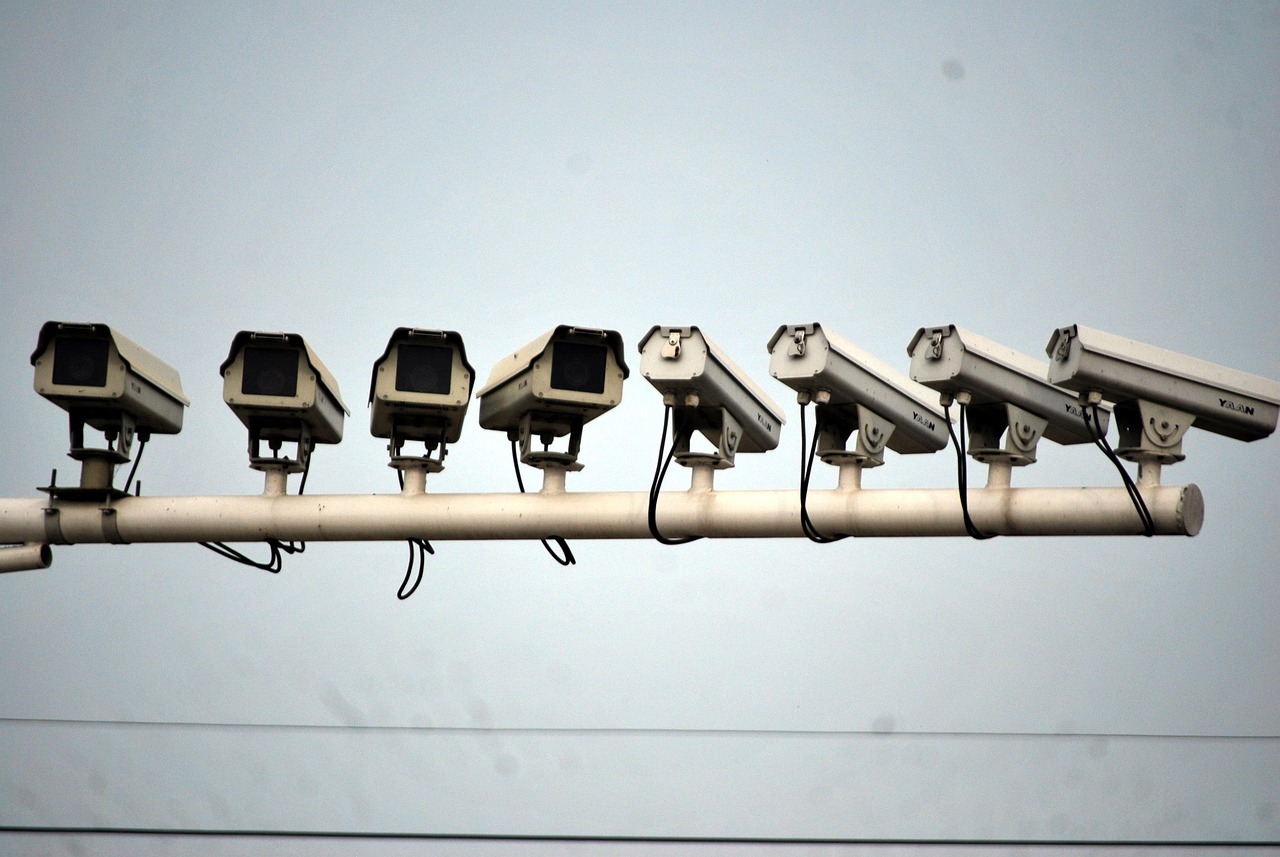
Many of the most loved webcams in the world are PTZ cameras. A camera on a hotel roof in the Alps sweeps from the village to the glacier to the ski lift every few minutes. A harbor cam zooms in on the ferry as it docks, then pulls back to the whole bay. That movement makes a stream feel alive, and it keeps viewers watching longer.
Viewers notice the difference. A fixed view tells you what one spot looks like right now; a good tour tells you the story of a whole place in a minute: the weather on the peaks, the crowd on the beach, the boats in the harbor. Open a few on our map and you will see why resorts and tourist boards love them.
But PTZ cameras are also the most expensive, power-hungry and maintenance-heavy cameras in this guide. This page explains how they work, what the specs mean, and when they are worth the extra cost.
How a PTZ camera works
A PTZ camera puts a zoom lens and sensor inside a motorized head:
- Pan: rotation left and right. Many outdoor PTZ cameras pan a full 360 degrees without stopping (“endless pan”); cheaper ones stop just short, at around 355 degrees.
- Tilt: up and down, typically from looking at the horizon to looking straight down.
- Zoom: optical zoom moves glass inside the lens, so detail is real. Digital zoom only crops and enlarges pixels. A “30x” camera usually means 30x optical; read carefully, because some listings add optical and digital together.
Commands come from the camera’s own software, a recorder, an app or, for standard cameras, ONVIF, the industry interface that lets software from other makers control movement. Movement settings that matter for webcams are presets (saved positions), tours or patrols (a loop through presets with a set pause at each) and park position (where the camera returns when idle).
The PTZ specs that matter
| Spec | What it means | What to look for in a webcam |
|---|---|---|
| Optical zoom | Real magnification by the lens | 10x to 30x for towns and harbors; more for long distances |
| Pan range | How far it can turn | 360° endless if the view is all around |
| Preset accuracy | How exactly it returns to a saved view | High accuracy so tours look the same every loop |
| Pan/tilt speed | How fast it moves | Adjustable; slow, smooth moves look better on stream |
| Power class | PoE type needed | Often PoE+ (802.3at) or 802.3bt with heater; check maximum watts |
| Weather rating | Dust and water protection | IP66 or better; wiper and heater in snow areas |
| Operating temperature | Range it is rated for | Down to at least -30 °C (-22 °F) for mountains |
| Streaming outputs | RTSP, RTMP, ONVIF | RTSP plus RTMP or an encoder for YouTube |
Consumer vs professional PTZ
The word “PTZ” covers a huge price range. At the low end, consumer pan-tilt cameras rotate a fixed lens and use digital zoom; some newer ones use two lenses, a wide one and a telephoto one, to give “hybrid” zoom. Reolink’s TrackMix PoE, for example, lists a 4K dual-lens design with 6x hybrid zoom, 355° pan and 0 to 90° tilt on standard 802.3af PoE.
At the professional end, a camera like the Axis Q6225-LE lists 31x optical zoom, 360° endless pan, IR up to 400 m, an operating range of -50 to 55 °C and PoE Class 8, the top power class of 802.3bt. These are built for 24/7 motion over many years. The difference is not just image quality; it is how many million movements the motors are designed for.
When a PTZ is worth it
- Several views from one spot: a ski area with a village, a lift base and a summit; a town square plus the harbor.
- Distant detail: watching a volcano, a lighthouse or a mountain pass several kilometers away.
- Events: a festival, a regatta or a parade where an operator can follow the action.
- One mounting point: when there is only one good, high spot with power and network.
When a fixed camera is better
- One great view: a beach or skyline looks best when it is always framed the same. Time-lapses and “what does it look like now” comparisons work better too.
- Remote or solar sites: motors and heaters drain batteries. See solar cameras.
- Tight budgets: two good fixed cameras often cost less than one professional PTZ and never wear out a motor.
- Busy public places: a zoom can pick out faces. A fixed wide view is privacy-friendly by design.
PTZ vs fixed vs dual-lens
| Fixed camera | Dual-lens “hybrid zoom” | Optical PTZ | |
|---|---|---|---|
| Views | One | Wide plus close-up, can pan | Many, any direction |
| Zoom quality | None or digital | Good near the telephoto step | Best, all along the range |
| Power | Low | Low to medium | Medium to high |
| Moving parts | None | Some | Many |
| Typical use | Scenic webcams | Homes, small businesses | Ski areas, harbors, towns |
Running a PTZ tour on a public stream
A good tour feels calm, not frantic. A few practical tips from the way the best webcam operators run them:
- Use three to six presets with 15 to 30 seconds at each. Too many and viewers never settle.
- Slow the transitions. Fast pans blur and look jerky on YouTube, and moving images use more bitrate. A slower move also eases wear.
- Park on the hero view at night, or stop the tour after dark when there is little to see.
- Set privacy masks over windows, balconies and private yards, and never save presets that zoom on people. See privacy by design.
- Keep audio off, or check your local law first; see US filming and audio laws.
- Do not give public control of the camera to viewers. “Click to move” features invite people to zoom where they should not.
Auto-tracking: useful, but not for public webcams
Many PTZ cameras can now follow a person or vehicle automatically, using built-in detection. For a private yard or a parking lot at night, that is helpful: the camera zooms in on whatever triggered it. For a public webcam it is the wrong tool. A camera that locks onto passers-by and follows them around a square is exactly what visitors do not want, and in many countries it raises legal questions about tracking people. Keep auto-tracking off on any camera whose stream is public, and let the tour show the place.
Maintenance and lifespan
Moving parts wear. How fast depends on the build quality and how hard you drive the camera:
- Tour frequency: a camera that moves every 15 seconds all day makes millions of moves a year. Longer pauses and nighttime parking add years of life.
- Weather: ice can lock a head in place; a built-in heater helps, and so does parking the camera facing down in storms.
- Dome and window: PTZ domes collect water spots and salt. A hydrophobic coating or a wiper keeps the view clear; clean it gently with water, not paper towels.
- Preset drift: over time, presets can drift slightly. Check them every few months and re-save if needed.
- Firmware: keep it updated for both security and motor control fixes. See camera security.
Plan for a professional PTZ to need occasional service, and for a cheap one to be replaced rather than repaired. For a remote mountain camera, it can be worth installing a fixed backup camera beside the PTZ so the stream stays up even if the head fails.
What a PTZ adds to the cost
The camera itself is only part of the bill. A PTZ usually also means a stronger mount, a PoE+ or PoE++ switch port, more careful installation and more maintenance. For a full breakdown of hardware, installation, internet and streaming fees, see the camera cost guide, and for help deciding between camera types, the how to choose a live camera decision path.
Power and mounting
PTZ cameras are heavier and draw more power than fixed cameras, especially with heaters, wipers and long-range infrared. Check the maximum watts and the PoE class, and size the switch accordingly (see PoE cameras). They also need a solid mount: a moving camera on a flexible pole wobbles in the wind, and the wobble gets worse with zoom. Short, stiff brackets on a wall or parapet, or a thick pole, work best. See mounting on poles and mounting on walls.
PTZ cameras to look at
Specs are as stated by each maker on the date shown at the end of this page.
Reolink TrackMix PoE
- 4K dual lens, 6x hybrid zoom
- 355° pan, 0-90° tilt, auto tracking
- PoE 802.3af, IP65
AXIS Q6225-LE PTZ Camera
- 1080p, 31x optical zoom
- 360° endless pan, IR up to 400 m
- PoE Class 8, IP66/IP68, IK10, -50 to 55 °C
Do these next
- List the views you want: if there is only one, choose a fixed IP camera.
- Check the PTZ’s maximum watts and plan the PoE power.
- Stream the tour to YouTube, then submit it.
Questions people ask
What does PTZ stand for?
Pan, tilt, zoom. A PTZ camera can turn left and right, tilt up and down and zoom its lens, either by remote command or on a preset tour.
Is a PTZ camera better than a fixed camera?
Not always. A PTZ is better when one spot has several views worth showing or distant detail. For one scenic view, a fixed camera is cheaper, uses less power and has no motors to wear out.
What is the difference between optical and digital zoom?
Optical zoom moves the lens to magnify the real image, so detail is preserved. Digital zoom crops and enlarges pixels, which makes the picture softer.
Do PTZ cameras need PoE+?
Many do. Small consumer pan-tilt cameras may run on standard 802.3af PoE, but outdoor PTZ cameras with heaters, wipers or strong infrared often need 802.3at (PoE+) or 802.3bt. Check the maximum watts in the spec sheet.
Can I let viewers control my webcam?
It is possible with some services, but we advise against it for public places: viewers may zoom onto people or private property. Use a fixed preset tour instead.
Sources
- Axis Q6225-LE PTZ Camera (checked 2026-10-07)
- Reolink TrackMix PoE specifications (checked 2026-10-07)
- ONVIF: Profiles (checked 2026-10-07)
- IEEE 802.3bt-2018: Power over Ethernet over 4 pairs (checked 2026-10-07)
- EDPB Guidelines 3/2019 on processing of personal data through video devices (checked 2026-10-07)
Last reviewed October 7, 2026 by the LiveLocation team. General information, not legal or electrical advice.